Digital waste is real: What it is and how to clean it up
Your inbox is overflowing. Your desktop is a mess. Your cloud storage is packed with files you don’t remember saving. It’s easy to ignore because you can’t see it, but all that invisible clutter is called digital waste, and it adds up fast.
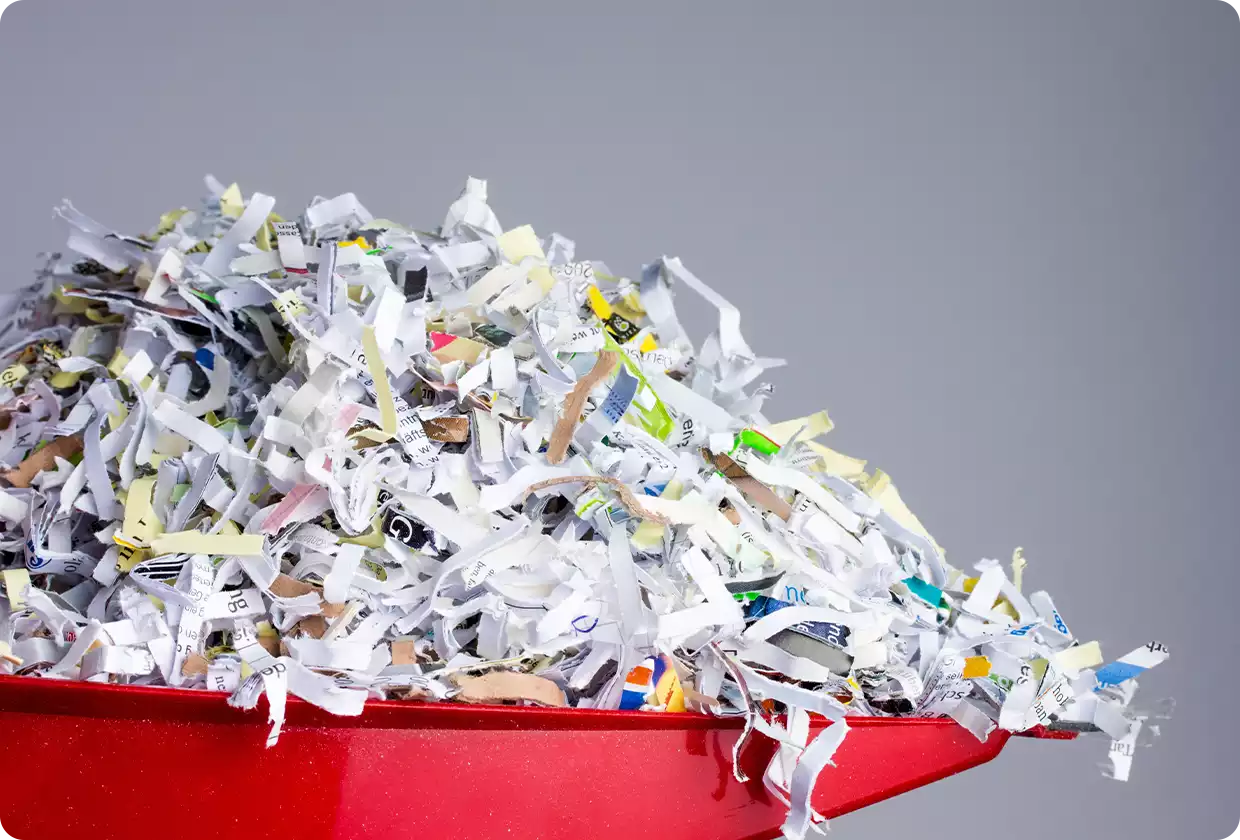

Digital waste builds up silently, slows you down, and consumes more resources than most of us realize. The good news? Once you see it, you can start cleaning it up, and it’s easier than you think.
In this blog post…
- What is digital waste?
- Types of digital waste
- Why digital waste matters
- How to track and manage digital waste
- How to reduce email digital waste
Digital waste meaning
Digital waste is the digital clutter created when data is unused, duplicated, outdated, or poorly managed. It builds up quietly in your inbox, folders, and systems, taking up space and making it harder to stay organized and efficient.This can include things like duplicate files, forgotten downloads, old emails, or data stored across multiple tools with no clear structure. Over time, this clutter creates confusion, slows down workflows, and makes it harder to find and trust the information you actually need.
Types of digital waste
Digital waste doesn’t just come from one source. It builds up in different ways depending on how data is created, stored, and managed. Here are the most common types of digital waste:- Dark data is created and stored but never used again. For example, detailed project files, system logs, or raw data may be saved, but only a small portion is ever accessed, while the rest sits unused and forgotten.
- Duplicate data refers to when the same information is created, saved, or entered more than once. This often happens when files are stored in multiple locations or when people manually enter the same data into different systems, creating unnecessary work and confusion over which version is correct.
- Bad data is information that is incorrect, incomplete, outdated, or inconsistent. Even small errors, like typos, missing details, or different formats, can create confusion, reduce trust, and cause problems when systems rely on that data to work properly
- Unnecessary data is information that is no longer needed but is still stored. This includes old files, outdated documents, temporary downloads, or data kept “just in case” that no longer serves a clear purpose.
Why digital waste matters
Digital waste might be invisible, but it still has real consequences. Most of our photos, emails, and files are stored in the cloud, but the cloud isn’t just floating in the sky. In reality, and as we explored in our cloud myths article, your data lives in physical data centers filled with servers that run 24/7 and use large amounts of electricity. The more unnecessary data we store, the more energy is needed to keep it accessible, which contributes to carbon emissions.Digital waste also makes your digital life harder to manage. When your storage is cluttered with duplicate photos, old downloads, and unused files, it becomes harder to find what you actually need. It can slow down your devices, fill up your storage, and create constant low-level digital chaos.
It can also cost you money. Many people pay for extra cloud storage simply because their space is filled with files they don’t need.
Reducing digital waste helps you stay organized, free up space, and reduce your environmental footprint, while making your digital life simpler and easier to manage.
How to track and manage digital waste
Tracking digital waste doesn’t have to be complicated. With a few simple steps, you can identify what’s taking up space and start cleaning it up.- Check your storage usage. The first step in digital waste tracking is to understand what you have. So, start by reviewing your phone, laptop, and cloud storage to see what’s using the most space. Photos, videos, downloads, and email attachments are often the biggest sources of digital waste.
- Look for obvious clutter. Scan your downloads folder, desktop, and photo library for duplicate files, blurry photos, and documents you no longer need. These are the easiest forms of digital waste to remove.
- Empty your bin. Your digital trash can or digital garbage can still takes up storage until it’s emptied. Regularly clearing it ensures deleted files are fully removed and completes the digital waste disposal process.
- Remove unused apps and files. Delete apps you don’t use and old files that no longer serve a purpose. Simple but effective!
- Create simple organization habits. Use clear folder names, avoid saving multiple versions of the same file, and delete unnecessary files regularly. Think of it as creating your own personal digital waste management system to prevent clutter from building up again.
How to reduce email digital waste
Email is one of the biggest sources of digital waste. Newsletters, attachments, and old conversations can pile up quickly, taking up storage and making your inbox harder to manage. Here’s how to reduce it:- Unsubscribe from emails you don’t read. If you regularly delete emails without opening them, unsubscribe. This prevents waste from building up in the first place.
- Don’t let extra storage become extra clutter. Having plenty of storage, like the 65 GB of free email storage offered by mail.com, gives you the flexibility to keep important emails without worrying about running out of space. But more storage doesn’t mean you should keep everything. Regularly deleting unnecessary emails helps keep your inbox organized and easier to navigate.
- Use the spam filter to stop waste at the source. Spam and promotional emails are a major source of digital waste. mail.com’s built-in spam filter automatically moves suspicious or unwanted emails out of your inbox, reducing clutter before it even reaches you.
- Remove large attachments. Attachments like photos, videos, and PDFs can take up a lot of storage space. Delete emails with large attachments you no longer need, or download and save important files elsewhere before removing the email.
- Automatically sort emails with folders and filter rules. Creating folders for different purposes, like bills, shopping, travel, or newsletters, helps keep your inbox clean. With filter rules, incoming emails can be automatically sorted into the right folder, so they don’t pile up in your main inbox.
- Schedule cleanups with storage time. Some emails are only useful for a short time. mail.com’s storage time feature lets you automatically delete emails from specific folders after a set period. This prevents temporary emails from turning into long-term digital waste.
- Empty your trash. Emails in your trash folder still use storage until they’re permanently deleted. Emptying it regularly ensures your digital waste is fully removed.
Digital waste is a normal part of modern life, but it doesn’t have to take over your devices, your storage, or your attention. With a few simple habits and the right tools, you can stay in control of your data, keep your inbox organized, and make your digital space easier to use. A cleaner digital environment doesn’t just free up storage; it helps you work faster, stay organized, and enjoy a more streamlined digital life.
Images: 1&1/Adobe Stock
1 person found this article helpful.
Related articles